The Futures of Work, Decoded.
In-depth editorial coverage of workflow design, automation mechanics, and the systematic shift toward local-first knowledge infrastructure.
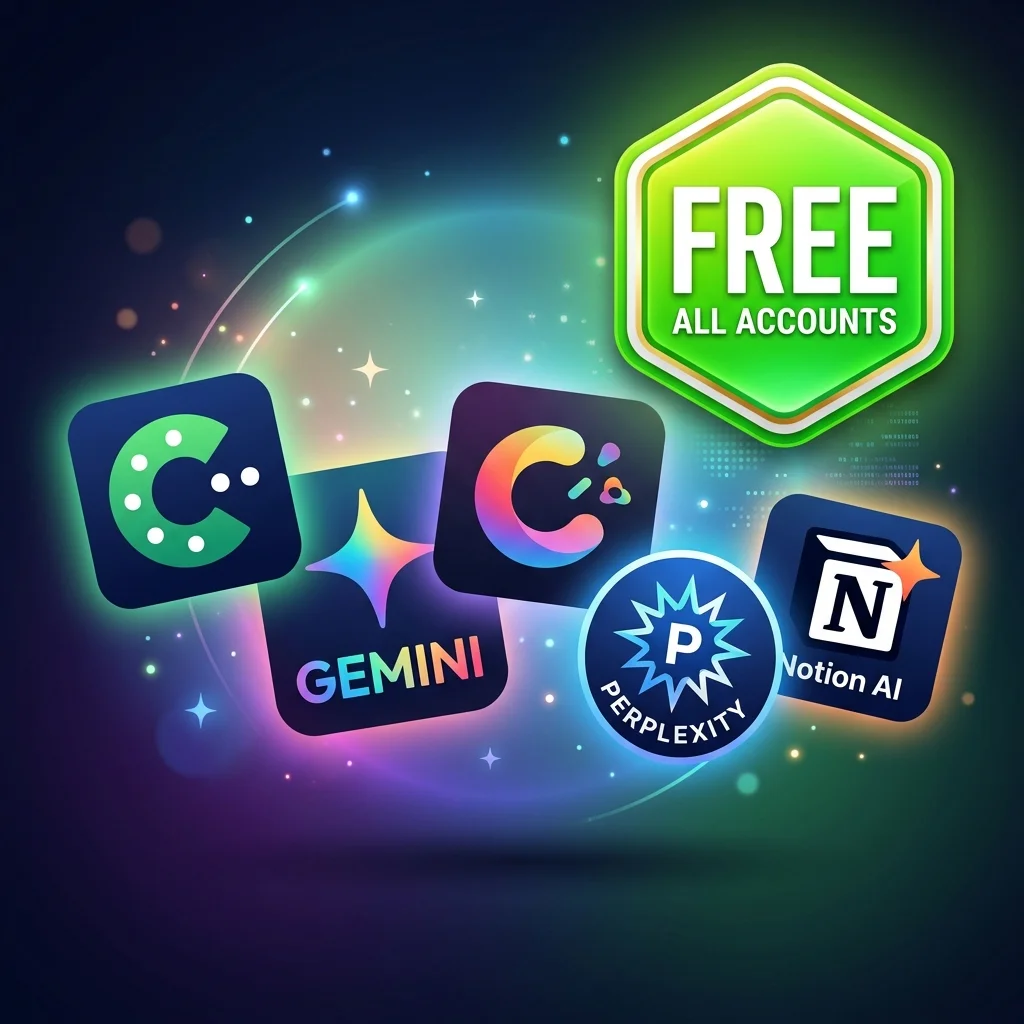
As we navigate through 2026, the artificial intelligence landscape has matured beyond premium subscription gatekeeping. While enterprise tiers and ultra-large model APIs still require paid structures, a powerful ecosystem of high-utility, **100% free AI tools** has emerged. These tools allow students, freelancers, and small business operators to access state-of-the-art text generation, code autocompletion, vector search, and visual design utilities without ever inputting a credit card. Here is the definitive, tested list of the best free AI tools available today.
For general writing, deep research, and reasoning, developers and creators no longer need to pay $20/month. The free tiers of Anthropic's Claude and Google's Gemini offer professional-grade capabilities at no cost:
The coding domain has seen the most dramatic shift toward accessibility. You do not need a GitHub Copilot subscription to start coding with AI:
Generating images for marketing campaigns, blogs, or social media has become highly accessible with new text-to-image models that render text on images with near-perfect accuracy:
If you want to automate repetitive workflows (like sending email alerts, posting social media updates, or syncing databases), expensive tools like Zapier are no longer your only option:
As the need for custom knowledge bases and Retrieval-Augmented Generation (RAG) grows in 2026, setting up a search pipeline no longer requires enterprise budgets. Developers can build robust, private search systems using free developer tiers and local tools that offer professional-grade features without licensing costs. Qdrant (Free Cloud Tier) provides a fully managed vector database with up to 1 GB of storage, which is more than enough to store millions of high-dimensional embeddings for personal projects or startup MVPs. It features high-speed search with sub-10ms response latencies, customizable Hierarchical Navigable Small World (HNSW) index structures, and seamless integration with popular programming languages like Python and TypeScript. This cloud instance requires zero maintenance, allowing teams to test vector retrieval logic before scaling to production environments.
On the desktop side, AnythingLLM operates as a completely free, open-source desktop application that turns your local files into a searchable knowledge base. It allows you to drag and drop PDFs, TXT files, and word documents, automatically chunking the text and generating vector embeddings using local models like nomic-embed-text. By combining Qdrant's cloud database or AnythingLLM's local vector store with a free local model, you can run semantic search queries offline. This setup ensures that all calculations are handled locally, safeguarding customer confidentiality. Ultimately, this stack enables freelancers to build private document analysis tools, satisfying client confidentiality while avoiding expensive cloud-hosted RAG platform subscriptions.
Relying on free cloud tiers like Claude and Gemini comes with a major caveat: dynamic usage limits and unpredictable rate throttling. During periods of high traffic, free tiers can throw rate-limit exceptions or increase response times significantly, disrupting automated workflows. To counter this, developers are building model-agnostic failover pipelines using routing layers. By integrating free tools like LiteLLM or setting up custom routing middleware, you can ensure that your application automatically falls back to an alternative free endpoint when the primary model is unavailable. For instance, if your system encounters a rate limit on Claude 3.5 Sonnet, the routing gateway can immediately redirect the request to Gemini 1.5 Flash in under 200 milliseconds.
Furthermore, this architectural design reduces reliance on any single AI provider, protecting your systems from sudden outages. To get the most out of these systems, you can review our practical guide on best AI writing tools for content creators in 2026 to see how different APIs compare. This automatic failover logic is crucial for maintaining an uninterrupted developer experience, especially during high-load hackathons or production trials. Configuring your local code structure to support multiple endpoints takes less than an hour but prevents system downtime. By defining clear fallback chains, you can maintain continuous development loops and ensure your startup projects stay active without needing a paid credit card subscription.
The ultimate free AI stack is one that you control entirely on your own hardware, free from cloud data policies. While cloud-based free tiers are convenient, they often utilize user prompts and uploaded documents to train their future model iterations, which poses a serious intellectual property risk. For developers handling sensitive code bases, legal documents, or patient information, offline processing is the only viable option. By running open-source models locally using Ollama and the Llama 3 or DeepSeek architectures, you ensure that no data ever leaves your machine. This offline model execution offers absolute data sovereignty, keeping your intellectual property safe from third-party server exposure.
To run these models efficiently, you need to optimize your hardware utilization and understand model quantization. Additionally, offline models avoid API latency fluctuations associated with cloud networks. Standard consumer laptops equipped with 16 GB of RAM can easily run 8-billion parameter models at 30+ tokens per second using Ollama's efficient memory mapping. These quantized formats maintain high accuracy while drastically reducing VRAM footprint, making local hosting feasible on mid-range laptops. If your team is interested in transitioning from basic chat interfaces to secure, production-grade pipelines, look at our checklist for vibe coding vs agentic engineering to set up stable developer environments. Embracing a local-first stack not only guarantees security compliance but also frees your workflow from internet dependency, letting you run high-performance coding and writing assistants anywhere in the world.
By pairing free cloud services like Gemini and Claude with open-source local software like Ollama and n8n, anyone can build a world-class workspace at zero cost. To maximize your productivity stack, read our detailed guide on the Local-First Productivity Stack or check out our comparison on n8n vs Make vs Zapier to choose the best workflow engine for your projects.