The Futures of Work, Decoded.
In-depth editorial coverage of workflow design, automation mechanics, and the systematic shift toward local-first knowledge infrastructure.
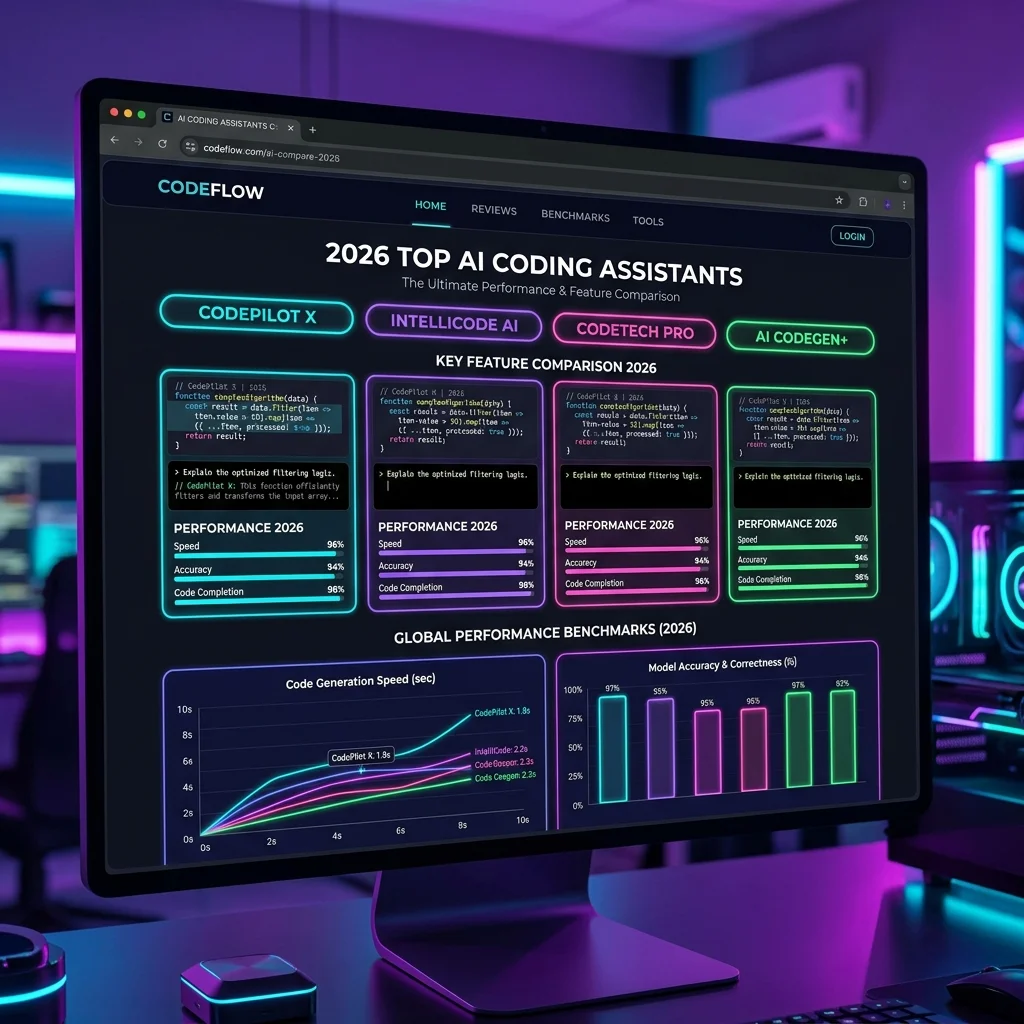
Selecting the right AI coding assistant requires evaluating real costs alongside benchmark performance. While basic autocomplete tools cost very little, true agentic workflows execute multi-file operations that swell token usage. This comprehensive review compares the leading autonomous coding tools of 2026 across performance, workflow fit, and pricing transparency.
With the rise of Agentic AI and advanced Repository Intelligence, tools like Claude Code and Cursor have moved beyond basic autocomplete suggestions.
Developers now focus on AI Output Verification to critically review, compile, and validate agentic recommendations inside complex codebase architectures.
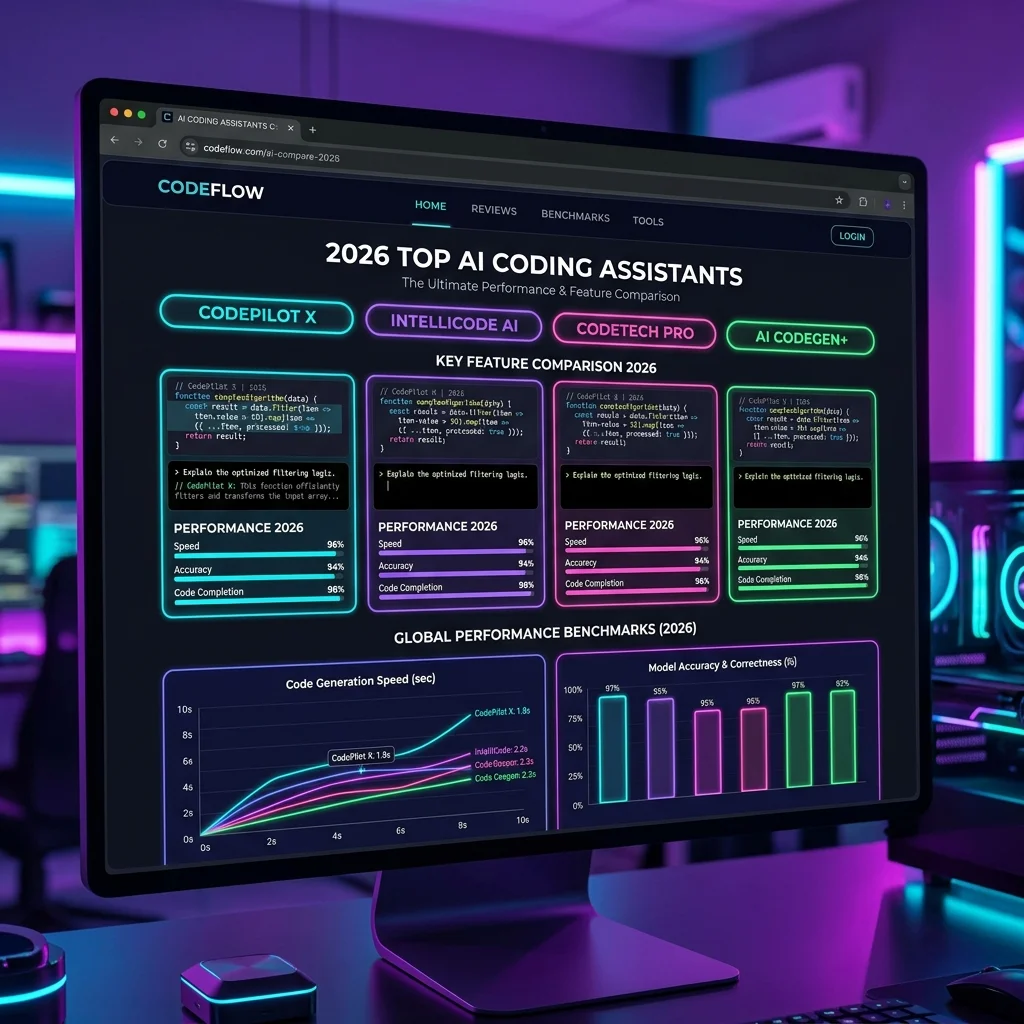
Writing software with AI has moved past simple single-line suggestions to full codebase editing. Early systems required developers to copy and paste code blocks manually. In 2026, autonomous systems execute commands, run tests, and fix bugs directly in your project. This shift requires evaluating tools on how well they execute multi-step tasks rather than just simple completions. Many teams first explore simple workflows like n8n workflow automation before moving to full code generation tools. This evolution shifts coding from interactive chat-based prototyping to rigid engineering workflows as described in our analysis of vibe coding transitions.
An autonomous coding assistant does not just suggest text. It acts as an agent by analyzing your file structure, editing multiple files, and testing the results. Developers use these tools to automate repetitive refactoring work. This shift requires evaluating tools on how well they execute multi-step tasks rather than just simple completions.
Many developers are surprised when their subscription limits expire in a single day. In agentic mode, a single prompt can trigger ten distinct API calls to search files and verify changes. These request multipliers consume credits at a rapid rate. Managing these consumption limits is now a critical part of developer operations.
Cursor remains the dominant AI-native editor for professional development teams. By forking VS Code, it integrates assistant features directly into the editor interface. This allow Cursor to read your editor context, such as open tabs and edit history, without manual intervention. It excels at fast, multi-file edits through its custom editing models.
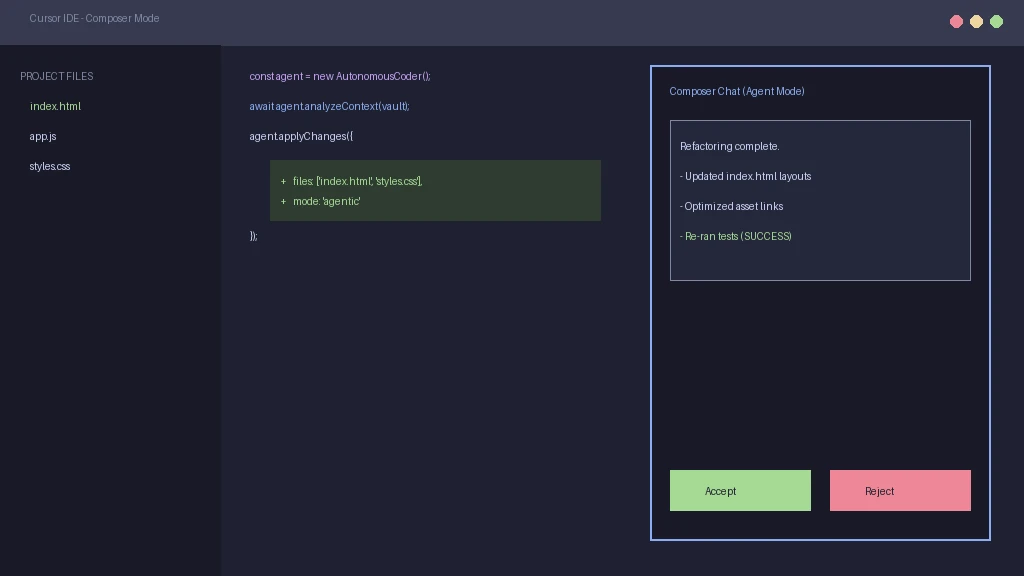
Cursor uses a custom model named Composer to coordinate multi-file changes. In our testing, Composer resolved complex refactoring tasks across four files in under fifteen seconds. The interface displays visual diffs, allowing developers to approve or reject edits line by line. This smooth editing workflow keeps developers inside their main workspace.
The Pro plan costs twenty dollars per month and includes five hundred fast requests. However, using the Composer agentic mode applies a request multiplier. A single complex edit can count as five fast requests. Once you exceed the cap, the tool drops to a slow queue, which can delay your workflow during peak hours.
"Subscription plans look simple on paper, but request multipliers mean power users will exhaust their limits in days."
Claude Code is a command-line utility that interacts directly with your shell. Built by Anthropic, it uses the latest Claude models to perform reasoning tasks without a graphical editor. It is designed for developers who prefer terminal-first environments. It excels at codebase intelligence and automated test execution. This highlights major terminal editor transformations for CLI users.
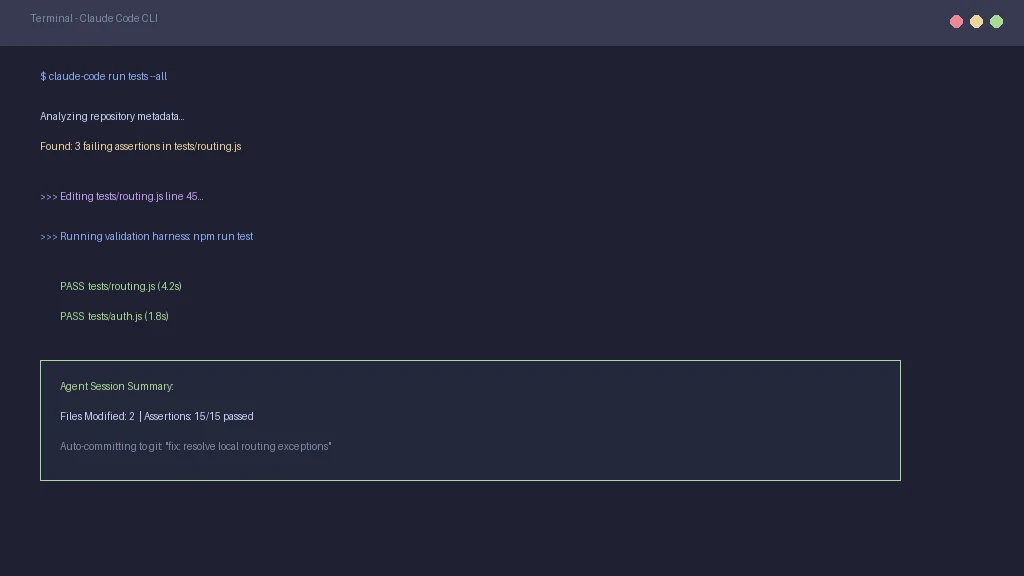
Because it runs in the terminal, Claude Code can execute commands like git status and npm test directly. It uses these tools to gather information and verify its own work. If a test fails, it reads the error log and attempts to resolve the bug automatically. This makes it highly effective for running migrations and updates.
Claude Code does not use a flat subscription model. Instead, it bills users directly for token consumption. In 2026, power users report spending forty to eighty dollars per month on API fees. For intensive tasks, Claude scripting performance is high, but the billing can be unpredictable.
Windsurf entered the editor space as a direct competitor to Cursor. It provides a similar VS Code fork but focuses on a different agentic architecture. Its custom agent, Cascade, maintains a continuous log of your changes to suggest edits before you ask. This proactive model helps maintain flow state during development.
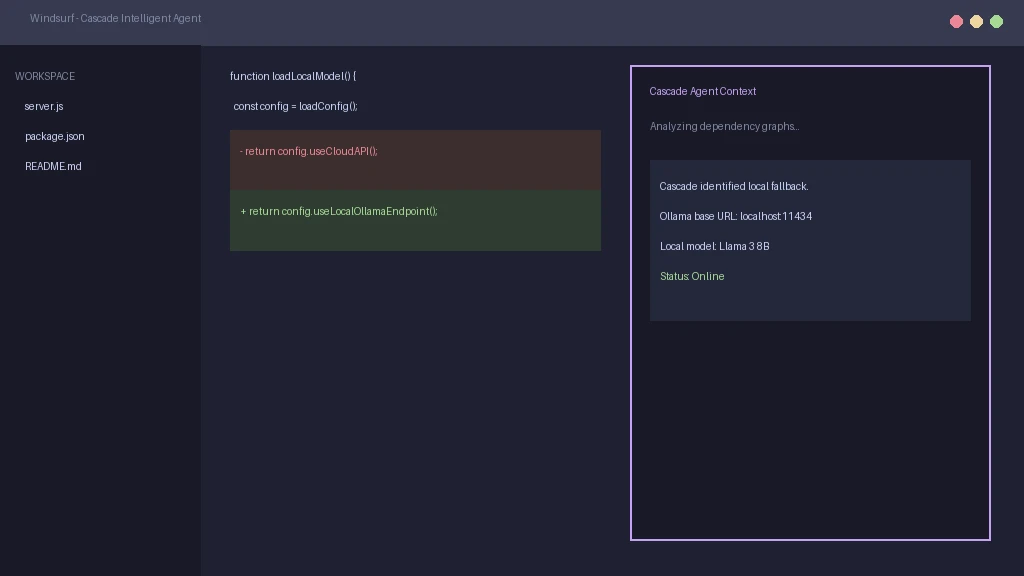
Cascade maintains a shared state between the chat panel and the editor. It updates its context as you type, allowing it to explain code and fix errors in real-time. In comparative tests, it matched Cursor in editing speed. The primary difference lies in how it structures its context files to minimize model input costs.
Windsurf offers a Pro plan at twenty dollars per month. Unlike its competitors, its quota system is more generous with fewer usage multipliers. This makes it an attractive option for developers who want a flat-rate IDE experience. However, the plugin library is slightly smaller than Cursor's store.
Aider is an open-source terminal agent that works with your existing editor. It uses a Bring Your Own Key model, meaning you connect it directly to your API accounts. This approach eliminates the middle provider and gives you complete control over your model choice. It is a favorite among open-source developers.
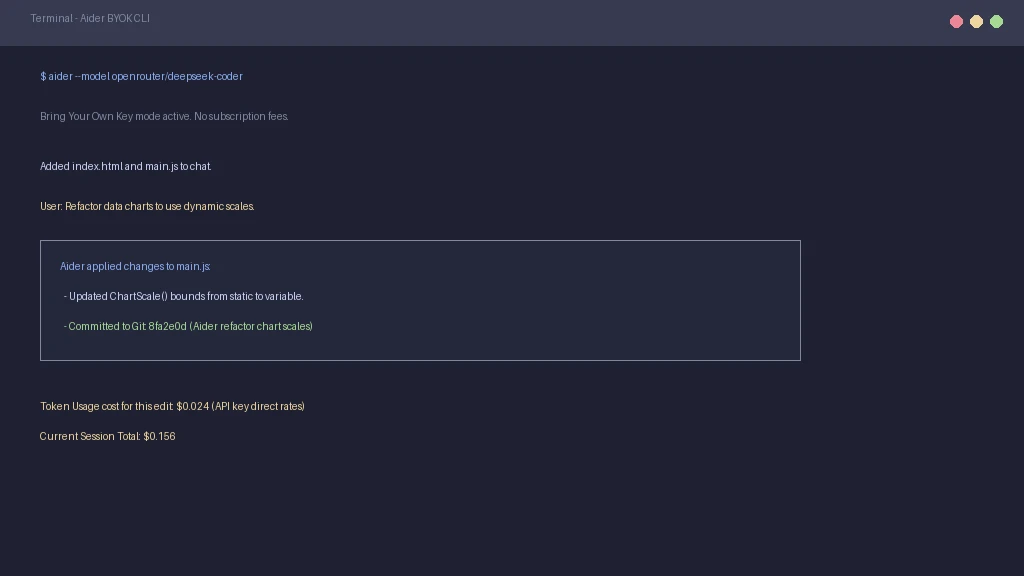
With Aider, you only pay for the exact tokens you consume. If you do not use the tool for a week, your cost is zero. This model is much cheaper for casual developers than a monthly subscription. It also allows you to swap between models like Claude 3.5 Sonnet and DeepSeek Coder instantly.
Because it is a command-line tool, Aider requires manual setup. You must configure your API keys and install dependencies on your machine. It also lacks a built-in GUI, meaning you must view file diffs inside your editor or terminal. This configuration overhead can discourage less technical users.
Choosing between these tools requires looking at standardized test scores and security profiles. Benchmark tests show that terminal agents often outperform IDE extensions on complex tasks. However, this performance comes with different security risks. Developers must balance execution speed with environment safety.
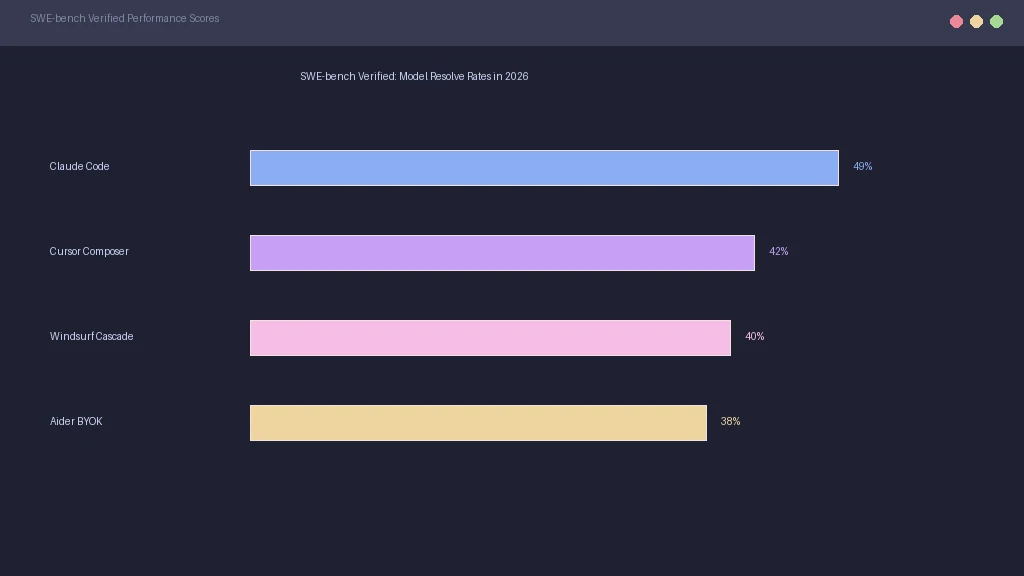
On the SWE-bench Verified dataset, Claude Code achieves a leading 49% score. This is slightly higher than Cursor's Composer, which scores around 42%. Aider ranks closely at 38% using Sonnet. These scores indicate that Claude content team workflows translate well into engineering environments.
| Tool Name | Format | SWE-bench Score | Pricing Model |
|---|---|---|---|
| Claude Code | CLI Agent | 49.0% | Pay-as-you-go API costs |
| Cursor | IDE Fork | 42.0% | $20/mo subscription + caps |
| Windsurf | IDE Fork | 40.0% | $20/mo subscription |
| Aider | CLI Agent | 38.0% | Bring Your Own Key (BYOK) |
Allowing an agent to run terminal commands creates security risks. If an agent downloads an untrusted package, it can compromise your machine. Developers must follow an agent auditing checklist to secure their workspaces. Running these tools in containerized sandboxes is now a best practice.
Claude Code vs Cursor 2026: which is better? Claude Code is superior for terminal-first tasks and codebase refactoring. Cursor is better for visual development and inline editing within an IDE.
Are there free alternatives to Cursor? Aider is an open-source alternative that does not require a subscription fee. You only pay for your direct API token usage which is cheaper for casual developers.
How do request multipliers work in Cursor? In Composer mode, Cursor multiplies your requests to feed context to the model. This means a single agent edit can consume multiple fast requests, exhausting your monthly limit quickly.
What is the best AI coding agent for VS Code? Windsurf and Cursor are the leading choices because they fork VS Code directly. They provide much deeper file integration than standard extensions.
How do developers prevent AI coding security leaks? Teams should run AI coding agents in isolated sandboxes like Docker. This protects the local system from malicious package executions and unauthorized file access.
What other development tools support custom integration? Several modern IDE extensions let you configure custom models. For non-code notes, check out Notion editor alternatives for local-first knowledge bases.